Move your depreciation records into FMIS
Plan the migration around an agreed opening position and first depreciation run. Prepare the register, configure the rules and compare representative calculations before relying on the new outputs.
Prepare the source data
Agree the import format and cut-off date with FMIS. Identify the company and book for each set of values and retain the information needed to explain the opening position.
- Asset references, categories, costs, acquisition and capitalisation dates, and analysis codes.
- Accumulated depreciation, net book values, useful or remaining lives, residual values and methods for each relevant book.
- Required component relationships, supporting history and outstanding additions or adjustments.
Check balances and representative calculations
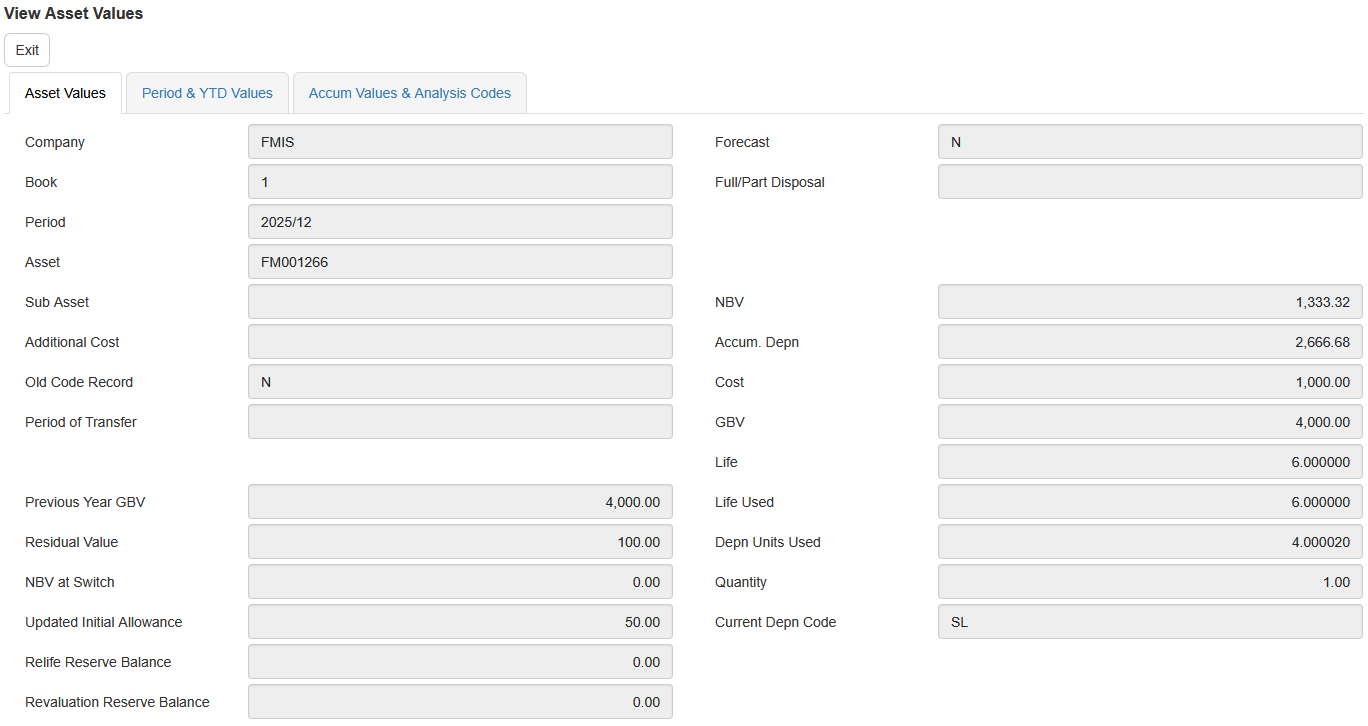
Reconcile imported cost, accumulated depreciation and net book value to the agreed source totals. Test representative assets, including partial periods and any unusual methods, and explain differences before go-live. Do not assume two systems will give identical results until timing conventions and rounding have been checked.
Configure and train around your first close
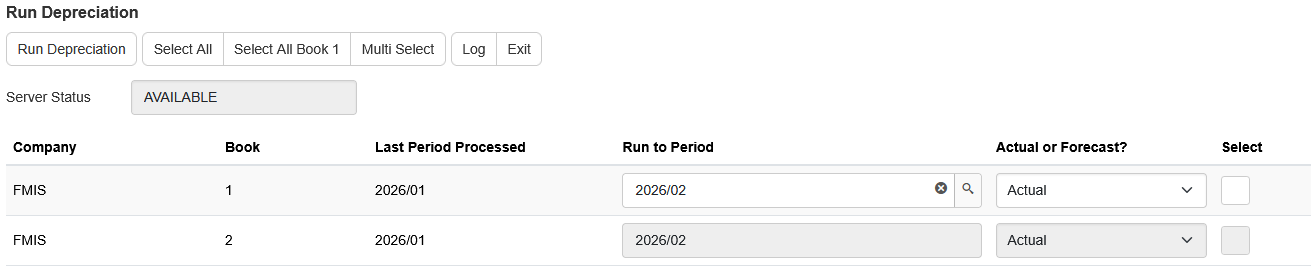
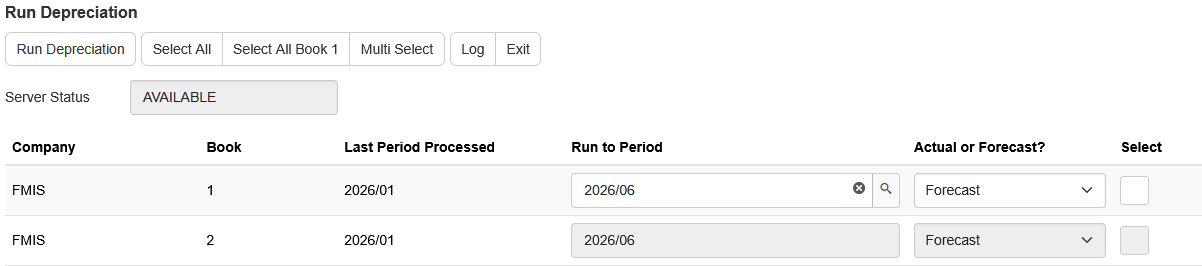
Agree categories, books, depreciation codes, periods and report selections. Training should cover entering changes, running actual and forecast depreciation, reviewing results and generating postings. Confirm acceptance criteria and responsibilities for the first close.
Work alongside your finance system
FMIS produces configurable general ledger postings, with Excel or CSV export available. A direct interface depends on the destination system and agreed scope. Define account mappings, transfer steps and reconciliation responsibilities so the same journals are not posted twice.